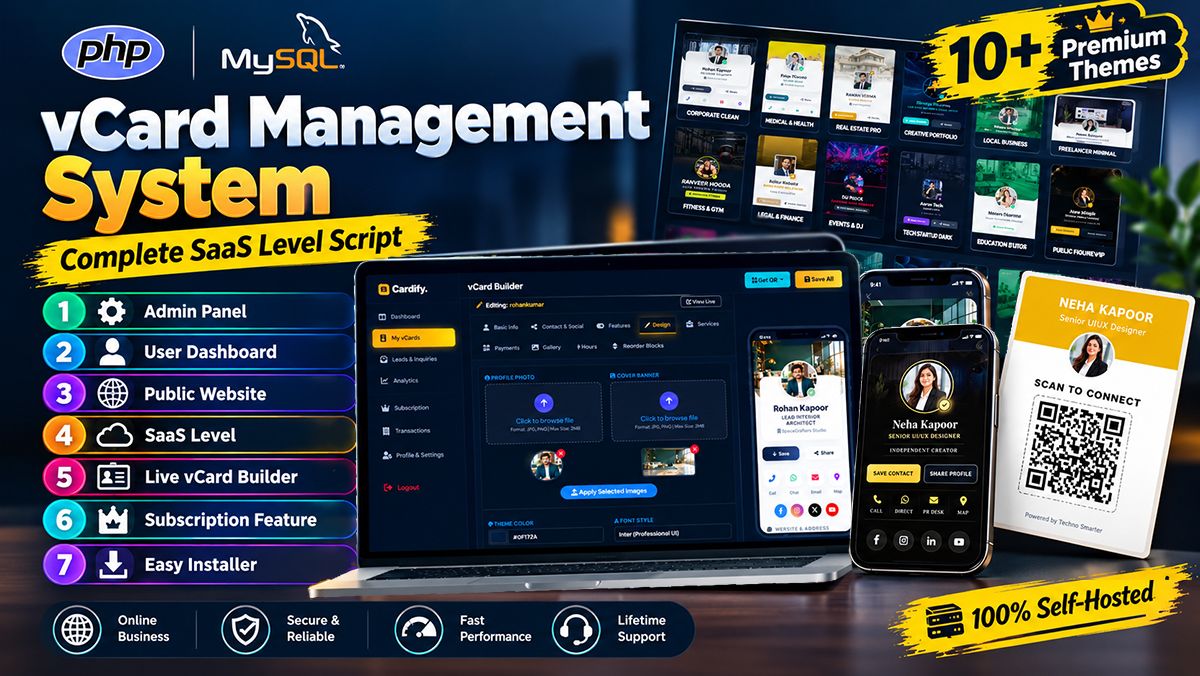
Techno Smarter QA – Question & Answer website PHP Script with Admin Panel
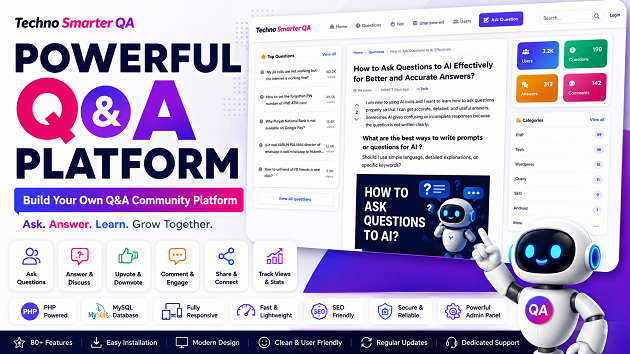
Techno Smarter QA helps you create your own Question & Answer community website with all the essential features needed for user interaction and knowledge sharing. It allows users to ask questions and receive answers, write answers, and share their opinions. It is built with a clean and lightweight structure. This script is perfect for startups, developers, educators, and entrepreneurs who want to launch their own Q&A community website. It solves many aspects like growing your business with Questions and answers, joining members, help and support Q&A website, attract users to know about your business. This system is designed with a fully functional Admin Panel. An admin can control the complete QA system activities from the dashboard. It allows you to install on any website with a simple installer. Techno Smarter QA is a powerful and modern Question & Answer platform script built to help you create your own Q&A platform. If you are not a
developer or tech person, then don’t worry, you can easily install it with a simple installer, and of course, you will get complete support in installation and future updates. Admin can manage users to moderate questions and answers; everything can be handled from a single dashboard.

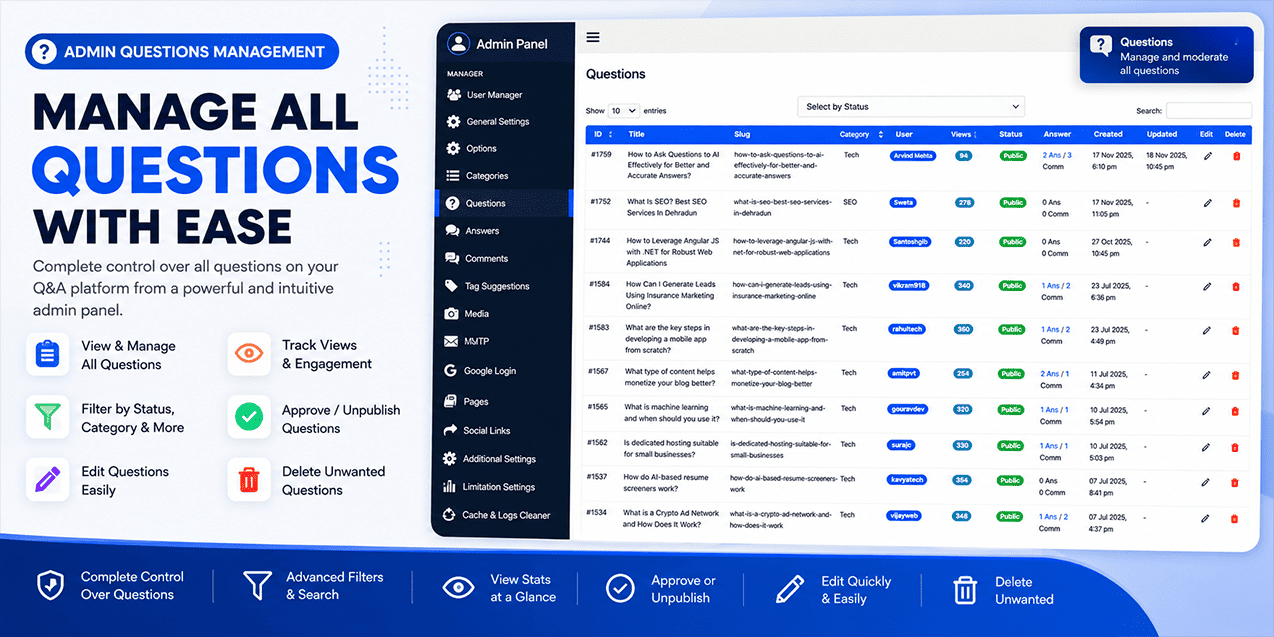

Admin can approve or delete any question, answer, comment, user, or category. It's built using PHP programming and the MYSQL database. The QA system is fully secured with modern techniques. The Q&A script allows you to host your knowledge-sharing platform online.
Features of Techno Smarter QA – Question & Answer platform
This Q&A forum script includes 80+ powerful features and security enhancements.
Key Features:
1. User Registration & Login
2. Log in with Google
3. SMTP Mailer & Default Mailer settings
4. Ask a question
5. Answer the question
6. Hot(trending) questions
7. Top Categories
8. Top Questions
9. Trending Tags
10. All users page
11. Unanswered questions page
12. Search Question & Answer
13. Stats Box
14. Upvote and downvote questions and answers
15. Question Views Count
16. All categories page
17. Social share
18. Login and registration pop-up
19. Answer with a text editor
20. Comment on the question and answer
21. Contact Page
22. About, privacy & terms page
23. Related Questions
24. Modern user profile & Stats
25. User questions, answers & activities
User profile features
26. Score, rank, badge, voting stats, Votes Given, Downvotes Given, Votes Received, Downvotes Received, User question and answer count, user website, about, skills, profile share icons, points earned
27. User password change
28. User profile updating
29. User avatar image by default
Admin control Features
30. Admin user manager
31. End User registration control
32. General Settings
Options
33. Registration Bonus Points
34. Users with fewer than points will require moderation for posts (Question / Answer)
35. Send email notification to admin when a new question is posted
36. Send email to admin when a new answer is posted
37. Send email to admin when a question is edited or hidden
38. Send email to admin when an answer is edited or hidden
39. Send email to admin when a new comment is posted
40. Send email to post author when a new comment is posted
41. Send email to question author when a new answer is posted
42. List of restricted words for the user profile About section, separated by commas
43. Points a user receives when their post is upvoted
44. Points deducted when a user's post is downvoted
45. Image upload quality percentage (10 to 100) when asking a question or answering in the editor, reduces the image MB size
46. Send email to admin when a new user register
47 . Include user profile links in sitemap
48. Maximum characters allowed for About section in user profile
49. Footer Copyright
50. Stats Box in right sidebar
51. Show or hide the view count for Top Questions
52. Show or hide the view count for Related Questions
53. Enable or Disable Code Highlighter (Yes = Enable full highlighter with CSS & JS files, No = Use default highlighter with minimal CSS)
54. Controls the maximum width of uploaded images in questions and answers. Images will be automatically resized to reduce file size and improve page speed.
55. Category Management
56. Question Management
57. Answer Management
58. Comment Management
59. Tag suggestion management
60. Media Images
61. Pages Management (About, privacy & Terms and Conditions)
62. Social Links Management
Additional Settings (Custom JS, CSS, or Ads code)
63. Head Code
64. Below Question Description code
65. Left Sidebar code
66. Right Sidebar code
67. Below Question & Answers
68. Footer
69. End Code (Before)
Limitation Control Settings
Sidebar
70. Left Sidebar Top Questions limit
71. Right Sidebar Categories
72. Right Sidebar Trending Tags
Question Single-page Setting
73. Related Questions
Mail setting
74. User Email Confirmation Limit
Ask Question
75. Per Day User Ask Question Limit
76. Tags limit for ask question
77. Answers limit per question (All)
78. Comments limit per Question & Answer (All)
More Settings
79. Cache & Logs cleaner
Dashboard Home Page
80. Counters Card for Admin users, questions, answers, comment, tag suggestions, registrations, Media
81. 10 Recent posted questions
82. 10 recent registered users
83. Clean and responsive design for all devices
84. Fast loading and lightweight structure
85. Easy installation and configuration
86. SEO Friendly
87. Sitemap Support
Security Features
CSRF Protection
XSS Protection
SQL Injection Prevention
Secure Password Hashing
Session Protection
Captcha verification
User validation
Server Requirements
PHP 8+
MySQL Database
Apache / LightSpeed
SMTP Support or Default Mail Support
Future Updates
Free future updates and bug fixes will be provided.
Techno Smarter QA is developed with simplicity and usability in mind. Users can quickly sign up and start participating by asking questions or answering existing ones. The interface is designed with lightweight libraries, ensuring a smooth experience even for non-technical users. You can access it on your mobile, tablet or desktop. It’s fully responsive Q&A website script. It automatically adjusts the structure for mobile, tablet, and desktop.
Use Cases:
This script is highly versatile and can be used in multiple scenarios:
Education sector website for student and teacher interaction for solutions
Programming sector communities
Support business customer
Niche forums (health, tech, business, etc.)
Internal company knowledge-sharing platforms
Startup MVPs for a community forum system
Techno Smarter QA is a solution for multiple needs. It will help to grow your business and solutions.
If you are planning to build a knowledge-sharing platform or online forum, this script provides a strong foundation. Instead of building everything from scratch, you get a ready-made system that saves time and development cost.
Technical Advantage:
This QA platform script is built using PHP and the MYSQL database with a structured backend system that helps easy to host on any standard web server. Developers can also extend or customize features according to their needs.
Why Choose Techno Smarter QA?
Unlike complex or heavy forum systems, this script focuses on simplicity, speed, and usability. It gives you everything needed to launch a question-and-answer platform without unnecessary complexity. Whether you are a beginner or an experienced developer, you can ea