✨ Free AI Background Remover Online
Remove photo backgrounds automatically in seconds using 100% Free Browser Technology. White Backgrounds or Custom Colors!
Click or Drag & Drop Photo Here
Supports PNG, JPG, WEBP up to 4K resolution. Zero server upload!
Your transparent processed image will appear here
How to Remove Background from Photo Online?
Get studio-quality transparent PNGs or clean white backgrounds in three simple steps without installing complex editing software or paying monthly subscriptions.
1. Upload Your Image
Select or drag-and-drop any JPG, PNG, or WEBP photo. Our tool easily handles high-resolution images up to 4K without quality loss.
2. Instant Edge Detection
Our smart browser processing engine immediately separates the main subject from the background with surgical precision around tricky areas like hair and edges.
3. Customize & Download
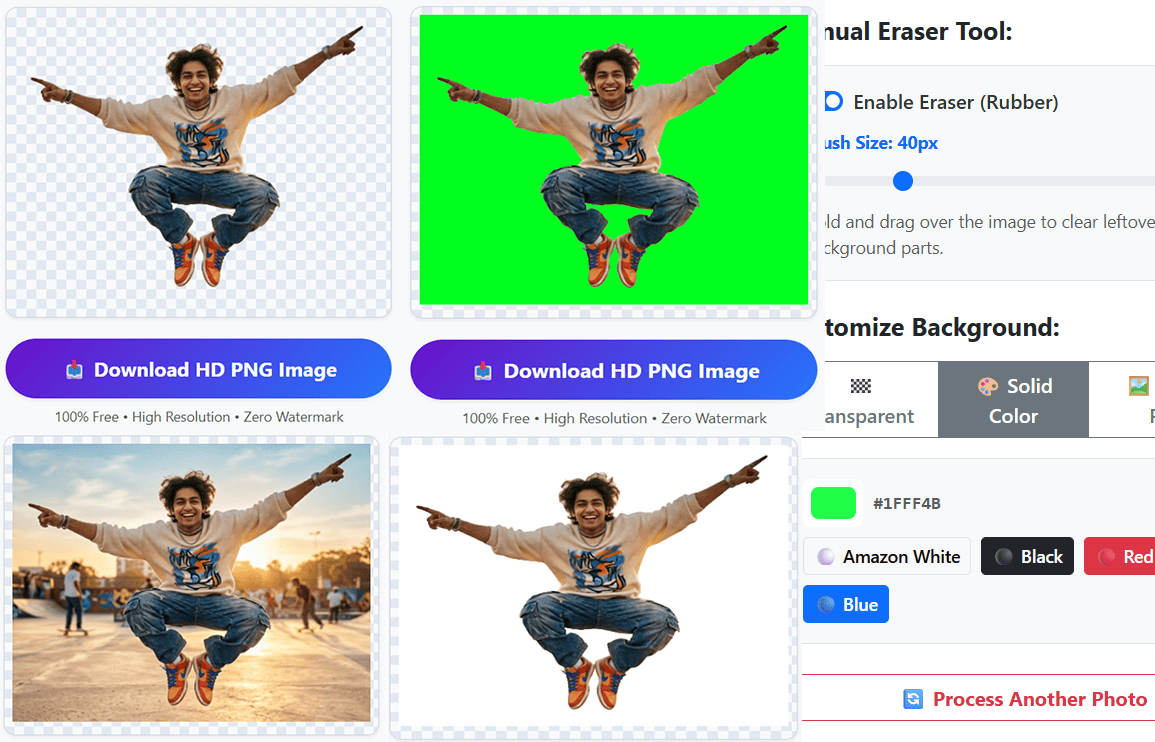
Keep it transparent, apply a solid e-commerce white background, or upload a custom scenery. Download your HD PNG instantly with zero watermarks!
Why Our Background Remover is Different?
Most online background removers upload your personal photos to third-party cloud servers, limit image resolution, and force you to buy credits for HD downloads. We built a smarter, privacy-first alternative.
100% Local Browser Privacy
Your images never leave your computer or mobile device. All calculations happen directly inside your web browser using advanced client-side processing, guaranteeing zero data leaks.
Amazon & E-Commerce Ready
Selling on Amazon, eBay, Shopify, or Etsy? Easily replace messy room backgrounds with our preset pure white (#FFFFFF) background to meet strict marketplace photo guidelines.
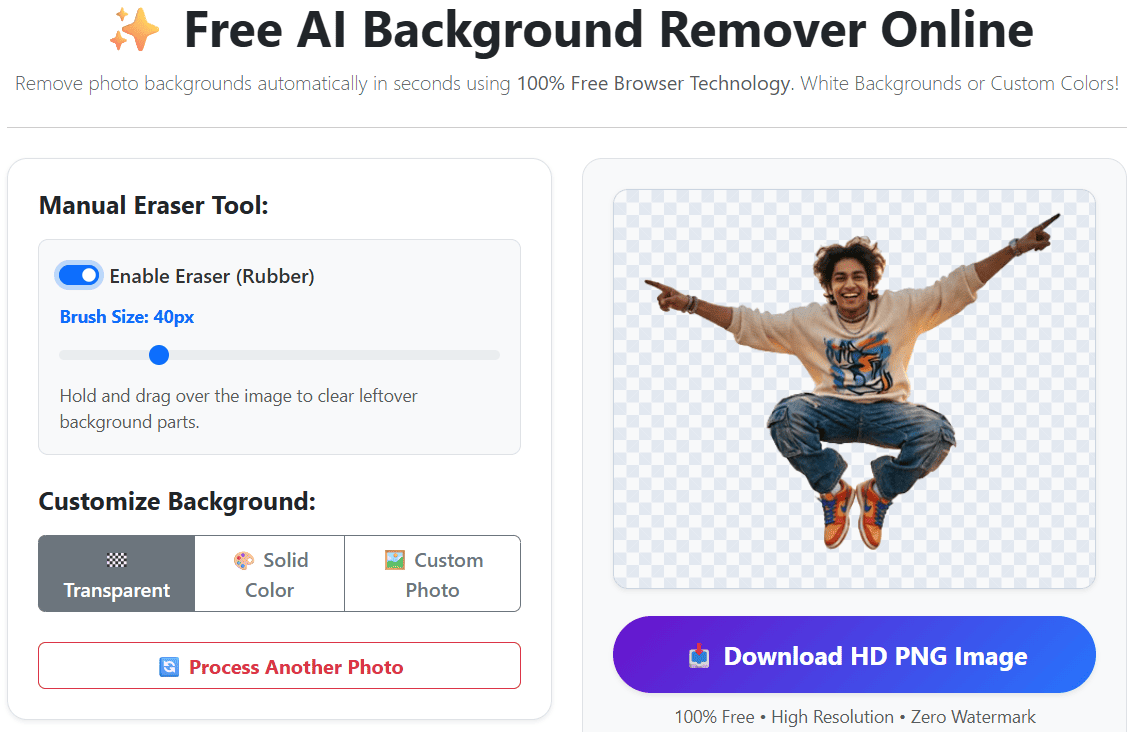
Manual Precision Eraser (Rubber Tool)
Even smart algorithms need a human touch sometimes. Use our built-in dynamic brush eraser to clean up unwanted dust, shadows, or leftover background artifacts with zero lag.
Perfect For Every Use Case:
- E-Commerce Sellers: Create clean product catalog images with pure white or colored backgrounds in seconds.
- Content Creators & YouTubers: Isolate yourself from video stills to make eye-catching, high-click-through-rate (CTR) thumbnails.
- Professionals & Job Seekers: Turn a casual smartphone selfie into a polished, corporate-looking headshot for LinkedIn or resumes.
- Digital Marketers & Designers: Quickly extract logos, graphics, and subjects without firing up heavy desktop software like Photoshop.
Frequently Asked Questions
Everything you need to know about our free photo background eraser.