In today's digital world, we use many software tools, and most of them run on monthly or yearly subscriptions. If you add up the monthly bills for premium tools like Canva Pro, Adobe Photoshop, and ChatGPT Plus, it easily crosses $250 to $500 a year.
If you are a freelancer or a small business owner, you do not need to pay these heavy fees. We will share some powerful free alternatives to replace these premium tools. You can do the exact same professional work absolutely free.
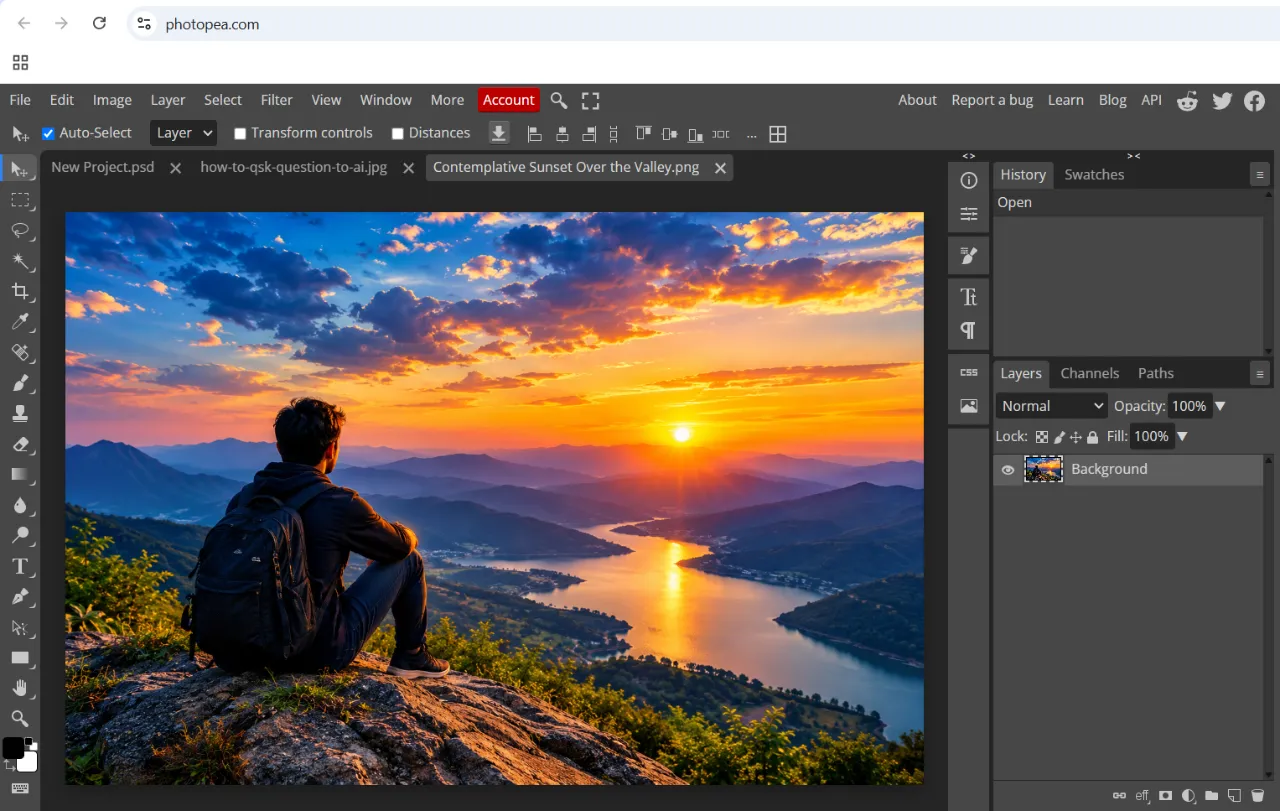
1. Adobe Photoshop -> Replaced with Photopea
Stop paying for a monthly Photoshop subscription.
- The Free Tool: Photopea
- Why it’s awesome: It runs directly in your web browser, its UI is exactly like Photoshop, and it can open and edit
.PSD files directly. Zero installation is required!
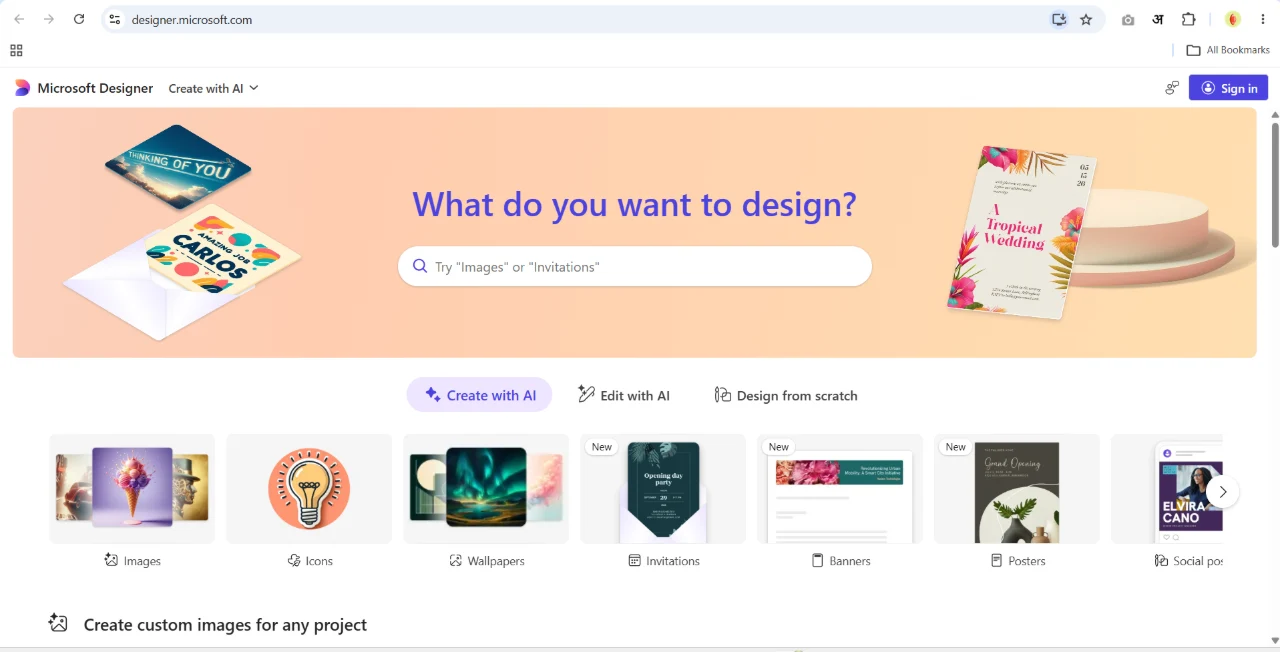
2. Canva Pro -> Replaced with Microsoft Designer
Canva Pro's premium templates have become quite expensive. You can do the exact same design work for free.
- The Free Tool: Microsoft Designer
- Why it’s awesome: It is AI-powered. Just type what kind of banner you need, and it will generate Canva-level professional designs for you in seconds, completely free.
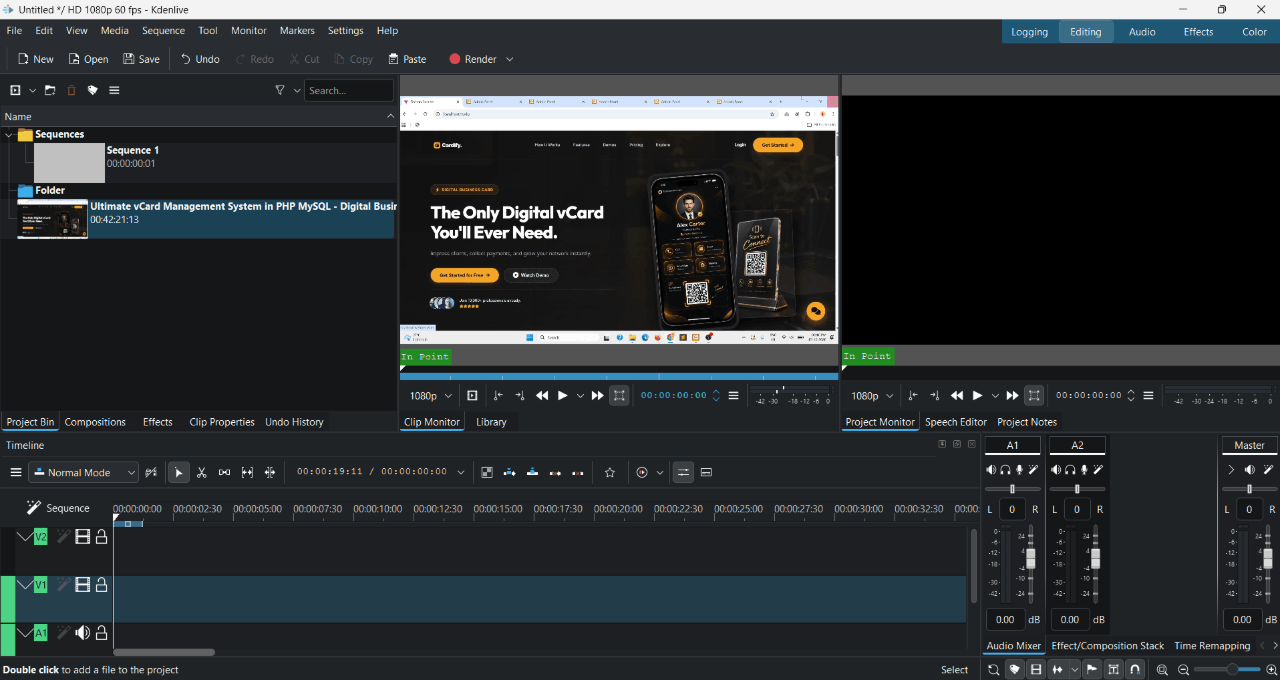
3. Premiere Pro -> Replaced with Kdenlive & Clipchamp
If you are a video editor, paying around $250+ every year for Premiere Pro is very costly.
- The Free Tool: Kdenlive (and Clipchamp for basic editing)
- DaVinci Resolve (best overall) -
The free version has robust features and is often compared to Premiere Pro in capability. It's strongest for professional colour grading and finishing.It's heavy, so you need a decent PC. Windows, Mac, and Linux.
- Why it’s awesome: Kdenlive is a 100% free, open-source video editor that looks and works very much like Premiere Pro. It has advanced timeline editing, effects, and color correction, but its biggest advantage is that it is very lightweight and runs perfectly even on low-end laptops. For quick and easy edits, you can also use Microsoft Clipchamp, which comes pre-installed with Windows 11.
4. ChatGPT Plus ($20/mo) -> Replaced with Claude 3.5 / Gemini / Qwen AI
You do not need to pay $20 per month to use advanced AI features for coding and content creation.
- The Free Tools: Claude.ai, Google Gemini, and Qwen AI
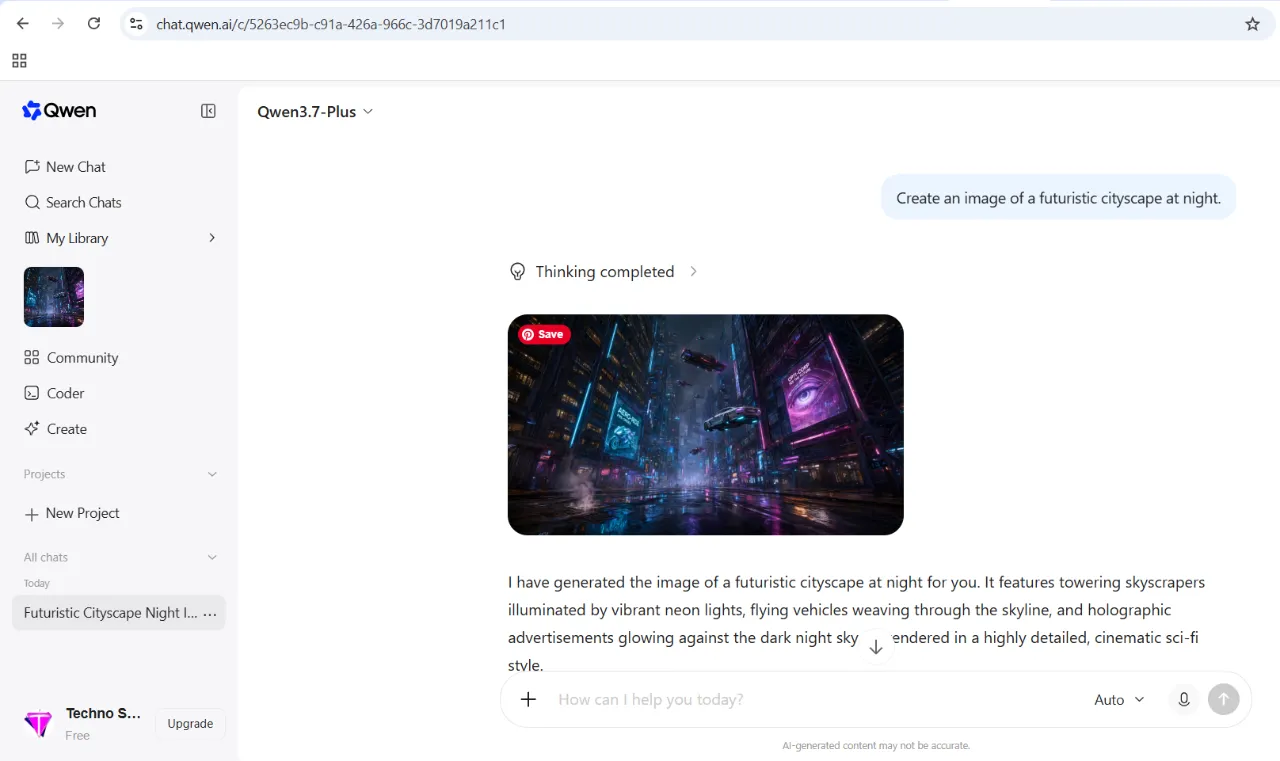
- Why they are awesome: The free version of Claude 3.5 Sonnet is highly advanced for coding. Google Gemini provides the best real-time internet search results for free. Additionally, Qwen AI is a brilliant free tool that completes complex tasks flawlessly without any subscription.
See These Free Tools in Action:
